
What SLAtech Vantage is
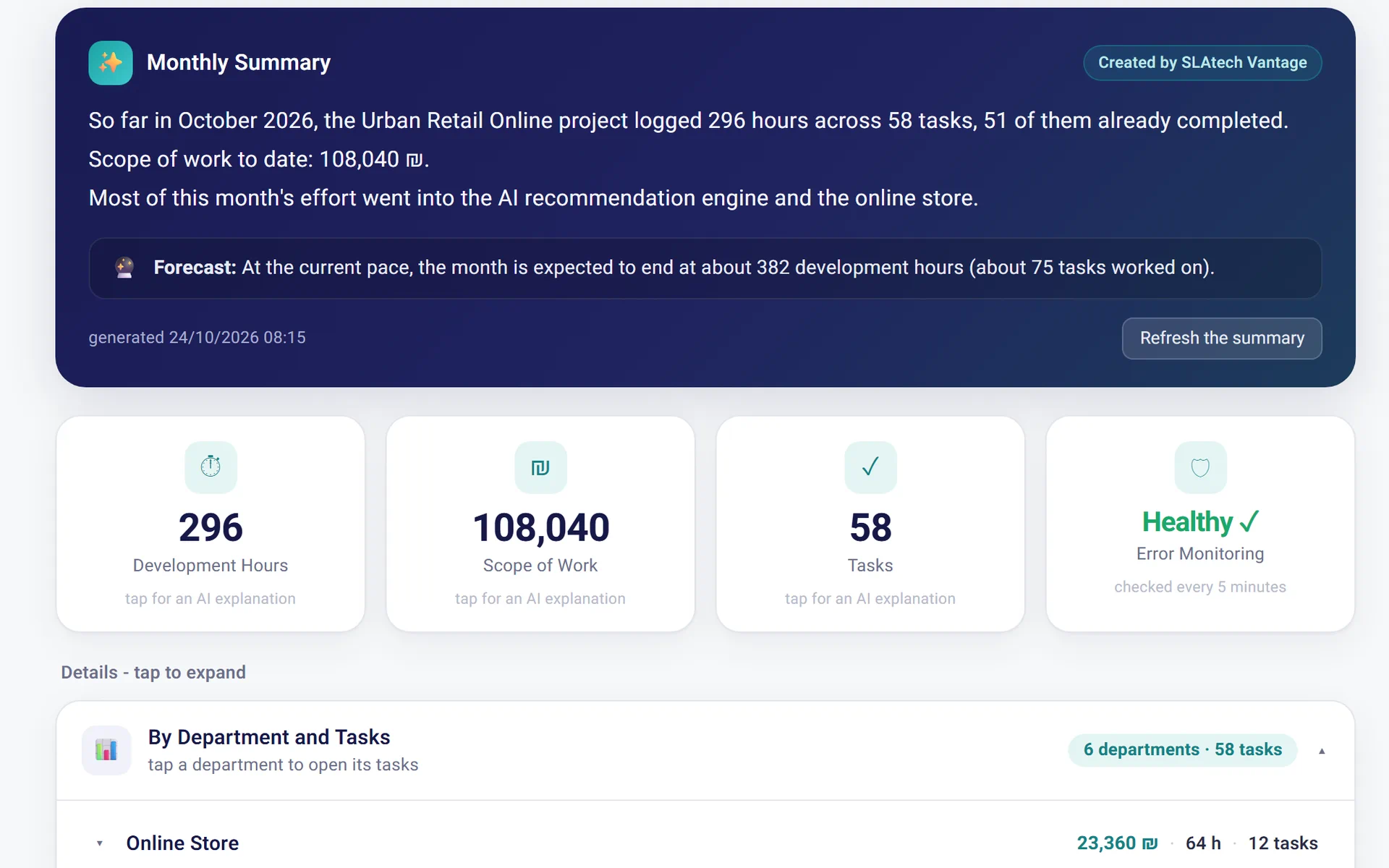
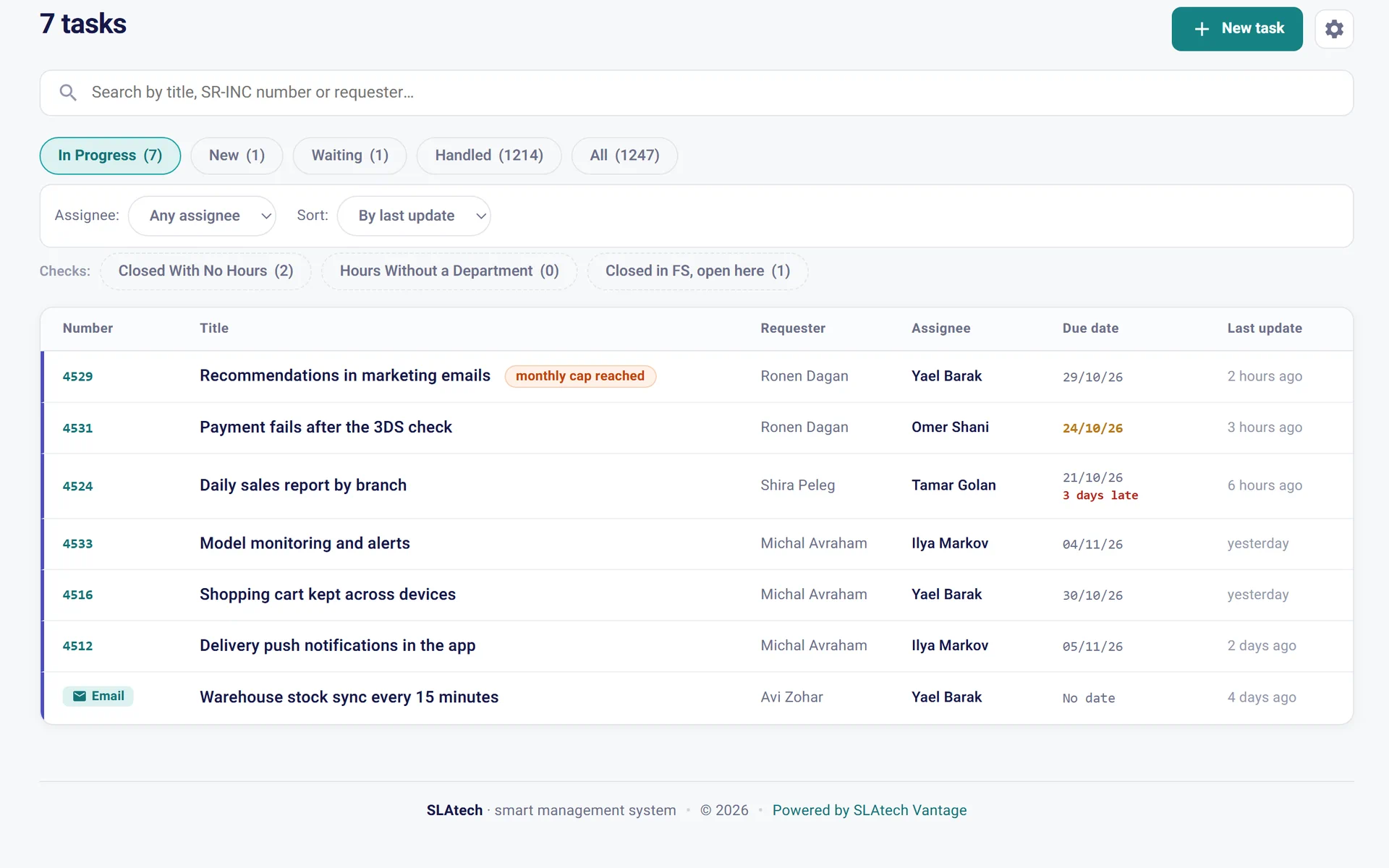
SLAtech Vantage is an AI-powered client portal for software projects. It connects project tasks, time entries, conversations, code activity, and monitoring so clients and agencies can see what's happening without compiling another report. Ask a question in plain words and get an answer that shows the sources it was built from.
SLAtech Vantage for those who work with clients, and those who hire them
SLAtech Vantage gives both sides of a software project the visibility they need. Choose the view that matches your role.
What people ask when they first meet the system
What is SLAtech Vantage?
Is it for the client or for the software agency?
What does SLAtech Vantage connect to?
Does the client see the provider's internal data?
How do I get started?
What languages does SLAtech Vantage work in?
An organization with several departments, many systems, and a monthly report built by hand
The customer is not named, and figures are given as shares.
A small software agency, several clients, and a report nobody assembles any more
This scenario is assembled from our practice; the names are fictional.
A distribution company: a report per department, and a journal of everything the contractor touched
Industry and details changed for confidentiality.
Which system lets the client of a software project see what is happening without a manual report?
A system that shows the client what is already recorded while the work happens: tasks, hours, correspondence and incidents, not a summary somebody writes at month end.
A small software company running several clients: which tool should it use for the work and for client reporting?
A small software company needs two things: a task tracker the team really works in, and a way to show each client their own work without preparing a report by hand.
A client portal for a software project: the five options
There are five main ways to let a client see a software project: a shared spreadsheet with a regular meeting, guest access to the team's task tracker, a service desk portal, an agency management suite, and a dedicated client portal such as SLAtech Vantage.
Client portal for software projects: what it is, and what belongs in it
A client portal for software projects is a web area with a personal login where a software agency's client sees the state of their own project: tasks, hours, the monthly report and what is stuck.